A free and simple tool that lets you easily upload, share, and store files privately, directly on your own server.
The free version includes lightweight mobile apps (Android & iOS) and a desktop interface, plus full WordPress integration. Just download it, and install on your server.
No third-party clouds. No data mining.
Just your files, your hosting, your rules.
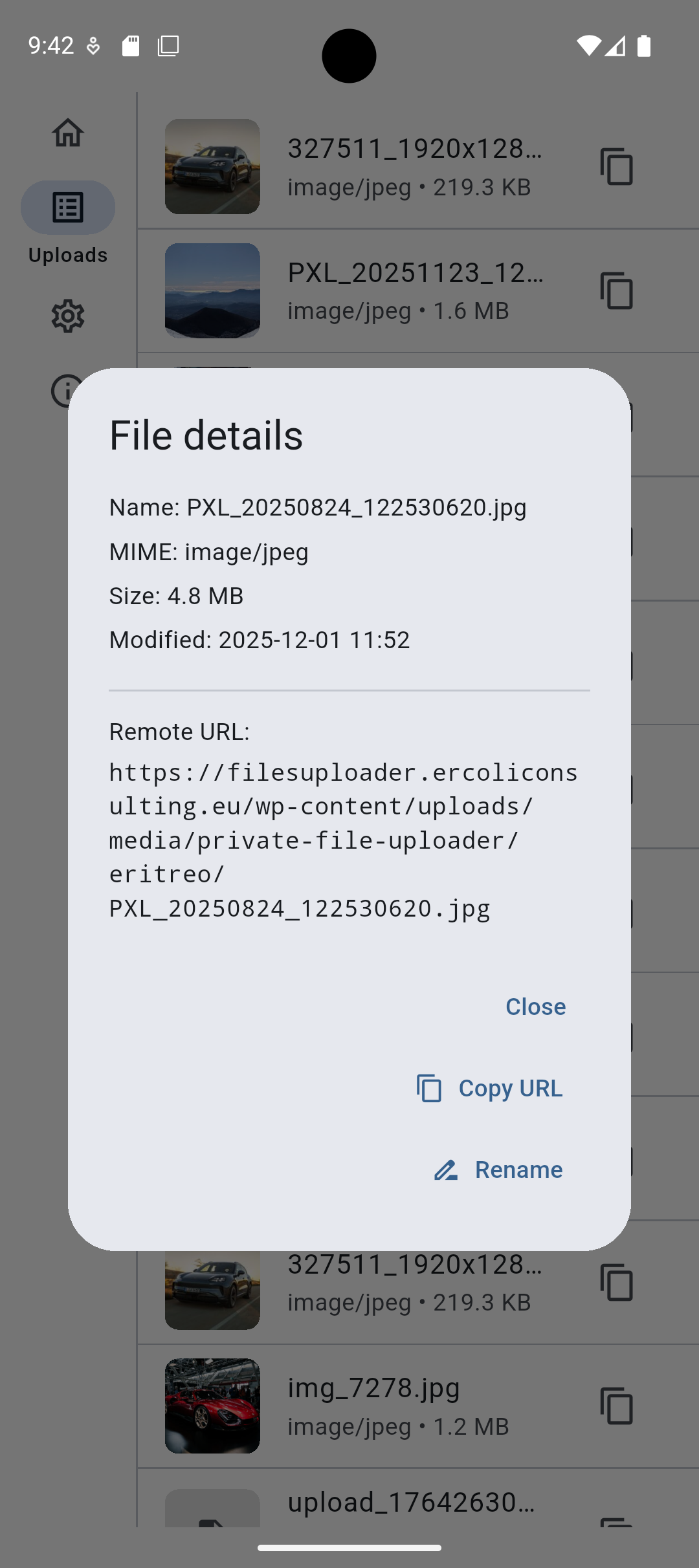
Instant shareable URLs, quick-copy to clipboard, upload history, and seamless integration with your WordPress or custom cloud setup.
Choose the plan that fits your way of sharing files. Start with the free version for personal use, or upgrade to Pro and Enterprise for advanced security, team features, and professional integrations.
Plan comparison
| Feature | Free | Pro | Enterprise |
|---|---|---|---|
| Hosting | Your own server / WordPress | Your own server / WordPress | Any infrastructure (custom integration) |
| Mobile apps (iOS/Android) | ✔️ | ✔️ | ✔️ |
| Desktop interface | ✔️ | ✔️ | ✔️ |
| Upload & instant share URLs | ✔️ | ✔️ | ✔️ (custom workflow available) |
| WordPress integration | ✔️ | ✔️ | Optional / custom |
| Upload history & file listing | ✔️ | ✔️ (advanced options) | Customized for teams |
| Asymmetric encryption | ❌ | ✔️ | Custom key management, multi-recipient policies, and optional hardware key storage. |
| Signed URLs & expiring links | ❌ | ✔️ | Custom policies & advanced controls |
| Audit logs & access rules | ❌ | ✔️ | Enterprise-grade logging & compliance |
| Multi-user roles | Uses WP roles | Advanced access control | Integrated with client IAM / SSO |
| Support | Community | Priority support | Dedicated support & SLA |
| Pricing | Free | Paid plan | Custom quote |
Why use this instead of a public cloud?
You control everything
Your files stay on your hosting — not in someone else’s infrastructure.
Instant sharing workflow
Upload → link copied automatically. Zero friction.
Designed for speed
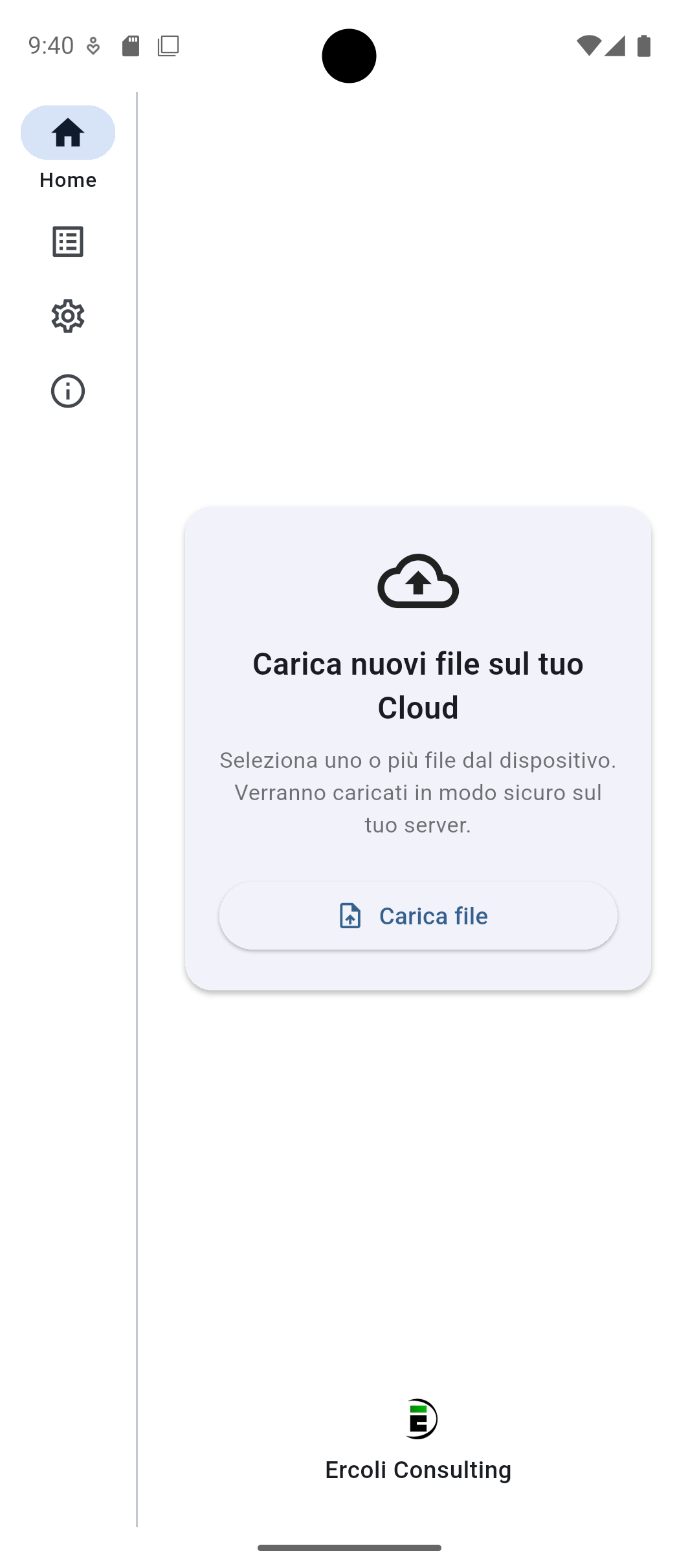
Open the app, pick a file, send. That’s the whole process.
Native WordPress listing
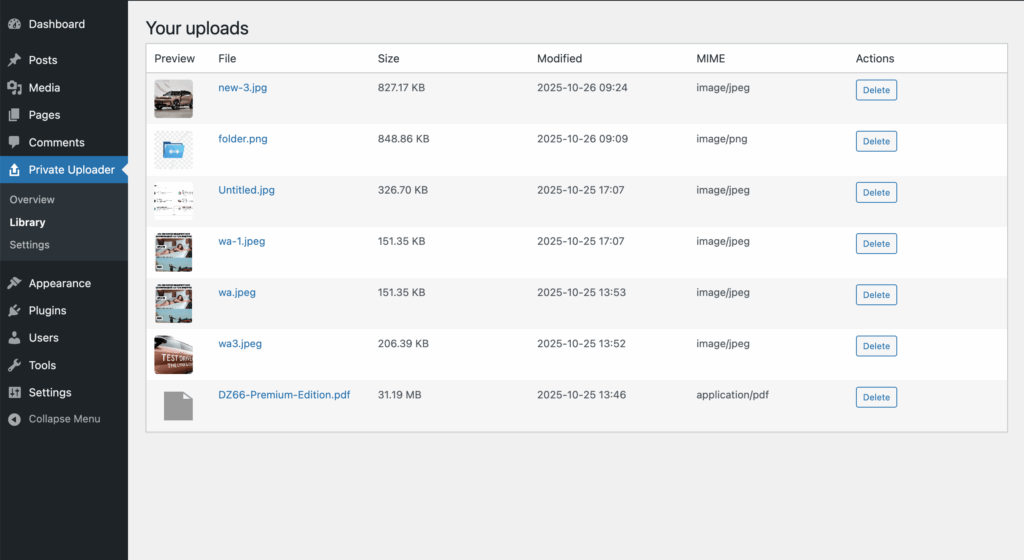
Preview, browse, and manage uploads directly from your WP dashboard.
Team-friendly
Uses your existing WordPress roles, permissions, and backups.
Why we built it as a WordPress plugin
Immediate adoption
Most clients are already on WordPress. Install → Activate → Connect.
Security you can trust
Uses core WP Application Passwords and REST API authentication over HTTPS.
Leverage the WP ecosystem
Roles, backups, cache, CDN, security plugins — everything works out of the box.
Made to extend
Filter-based architecture, easily customizable, ideal for agency workflows.
How it works
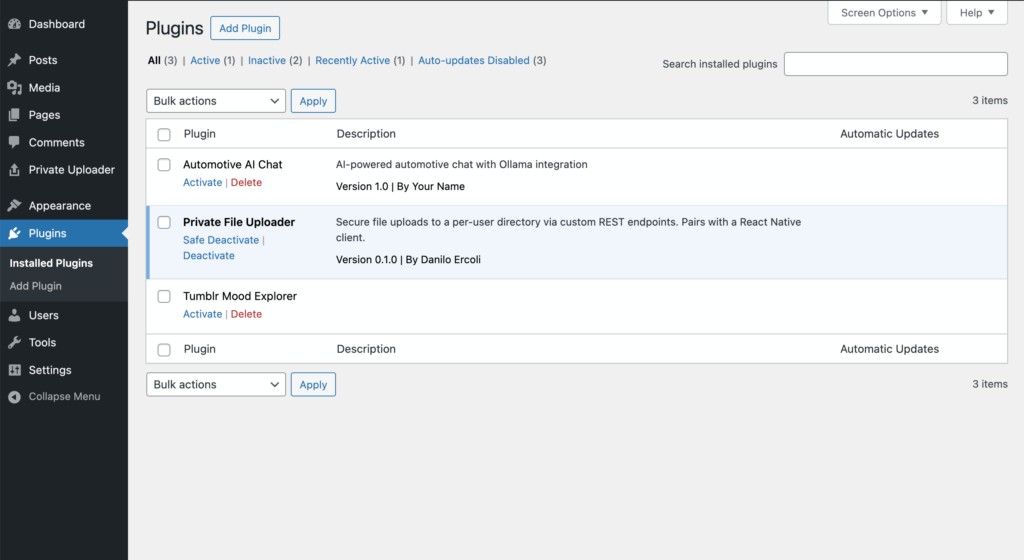
- Install the plugin on your WordPress site.
- Generate an Application Password from Users → Profile.
- Enter your site URL, username, and password into the app.
- Upload a file and instantly receive a shareable link.
Key features
- Upload securely via REST API (multipart POST).
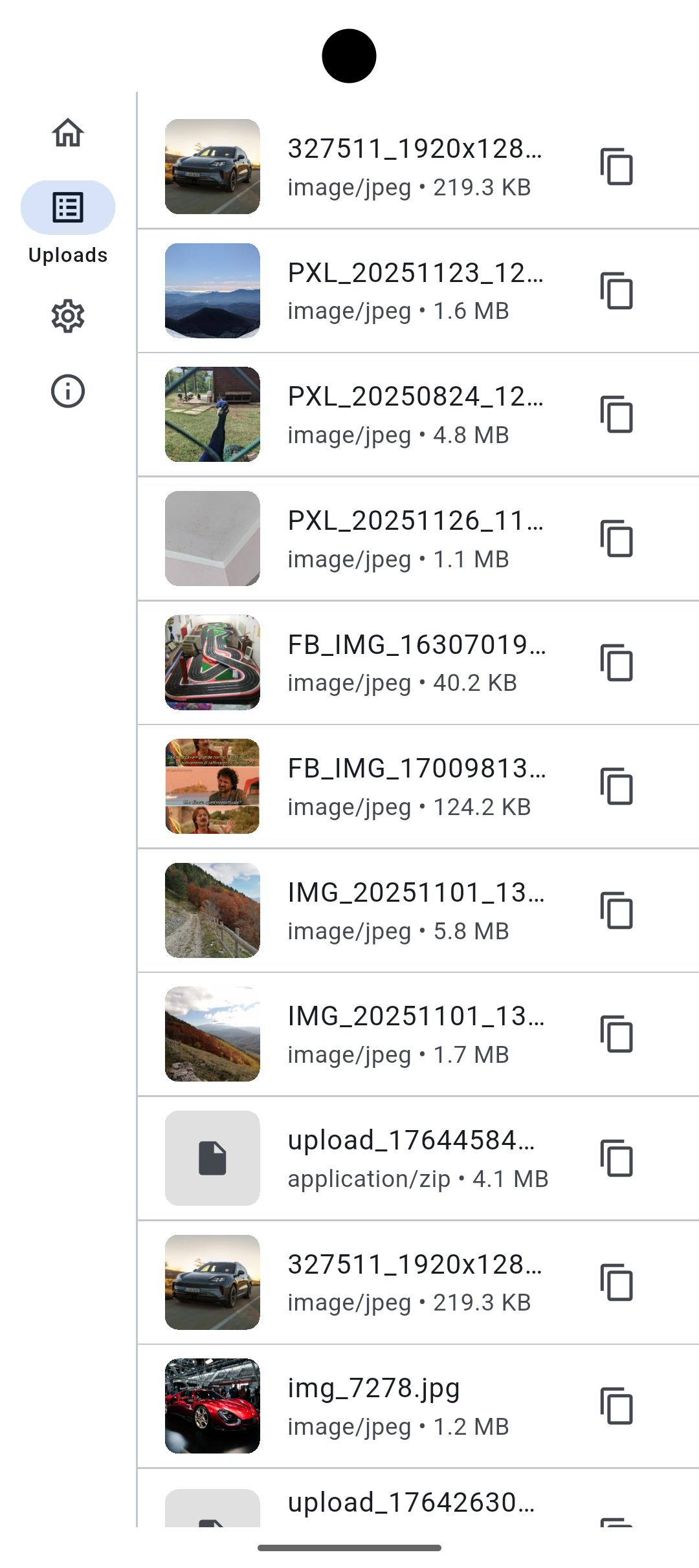
- View your personal file list with thumbnails.
- Copy file URLs with one tap or long-press.
- Pull-to-refresh and local upload history.
- Simple settings: site URL, username, password.
- Reset credentials anytime.
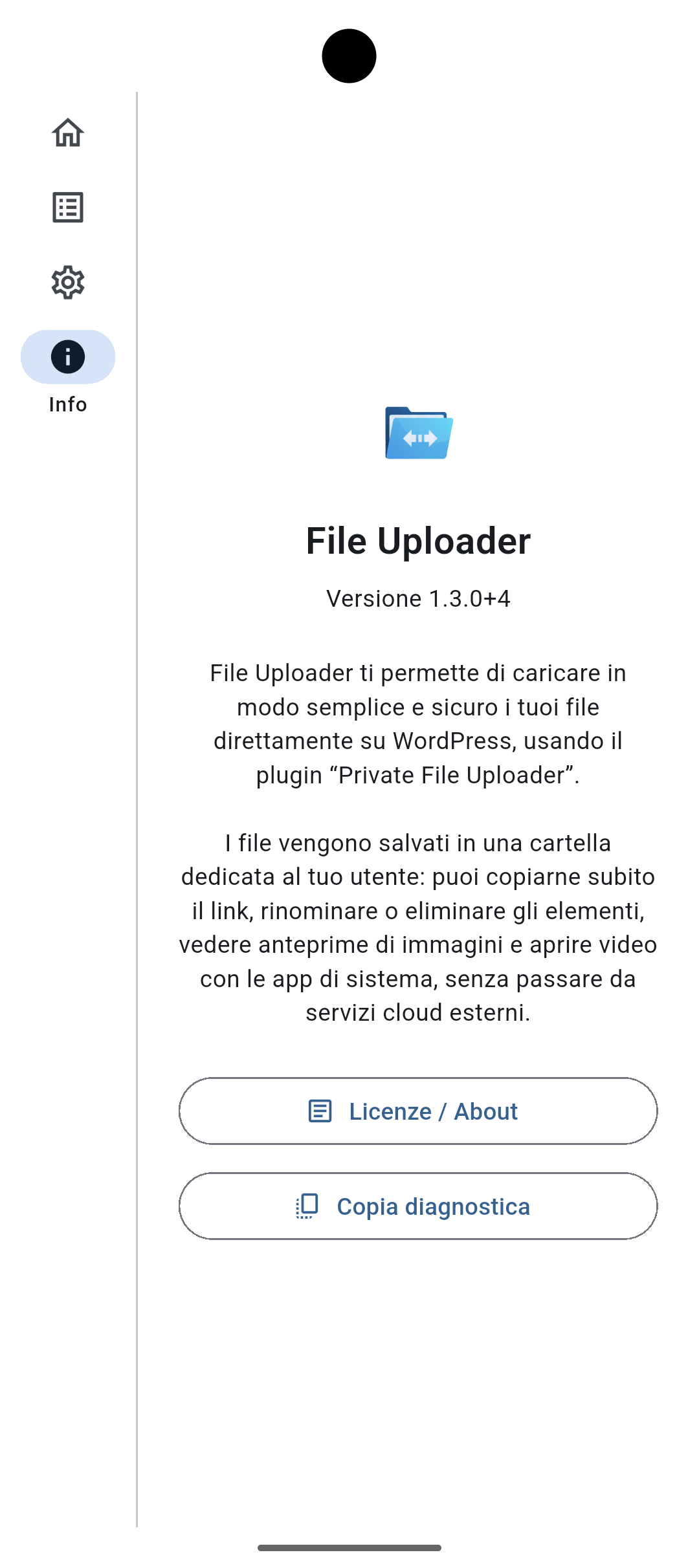
- Built-in About & diagnostics section.
Privacy & Security
Your data remains 100% on your server.
- Authentication via WordPress Application Passwords
- Enforced MIME checks and per-user upload directories
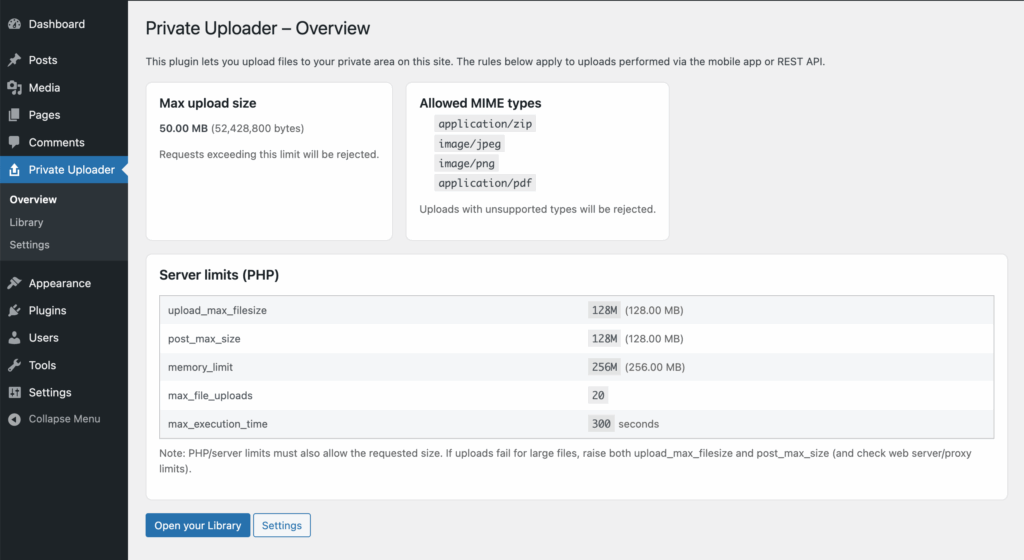
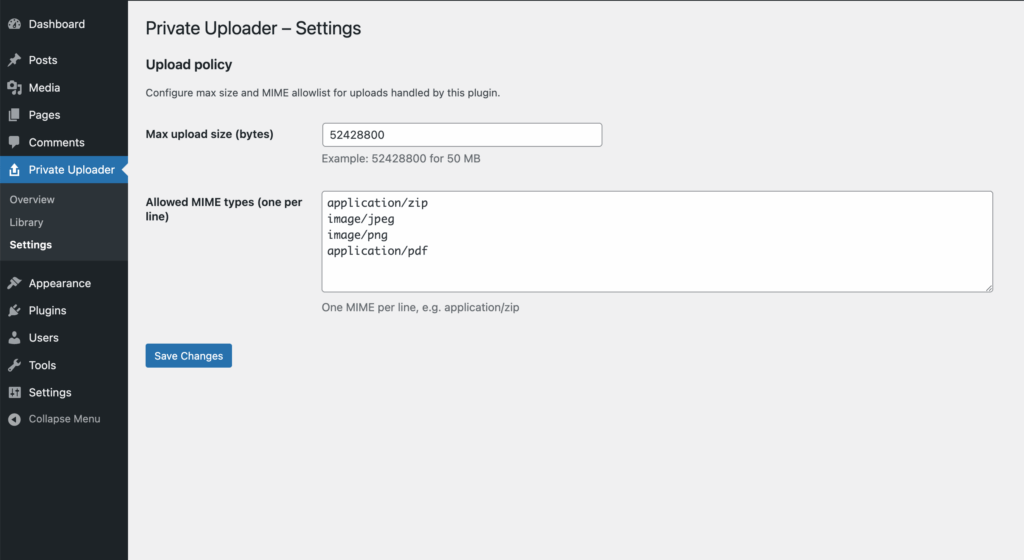
- File-size limits and server-side validation
- Passwords stored only in the device’s secure key store
Pro version only:
- Files encrypted client-side using the recipient’s public key. Only the recipient, with their private key, can decrypt
- Signed URLs and expiring links
- Audit logs and advanced access policies
Open source and made to be customized
Released under the GLPv3 and MIT license, the project welcomes forks and contributions.
Developers can easily adjust maximum upload size, allowed MIME types, UI styling, and even add encryption or storage policies.
Need something special? Extend it — or let us help you tailor it to your workflow.